

- Custody. Who can sign the transfer?
- Enforcement. Can Conto actually stop the transfer, or only govern the path that goes through Conto?
Quick comparison
What policies mean in each mode
Managed wallets
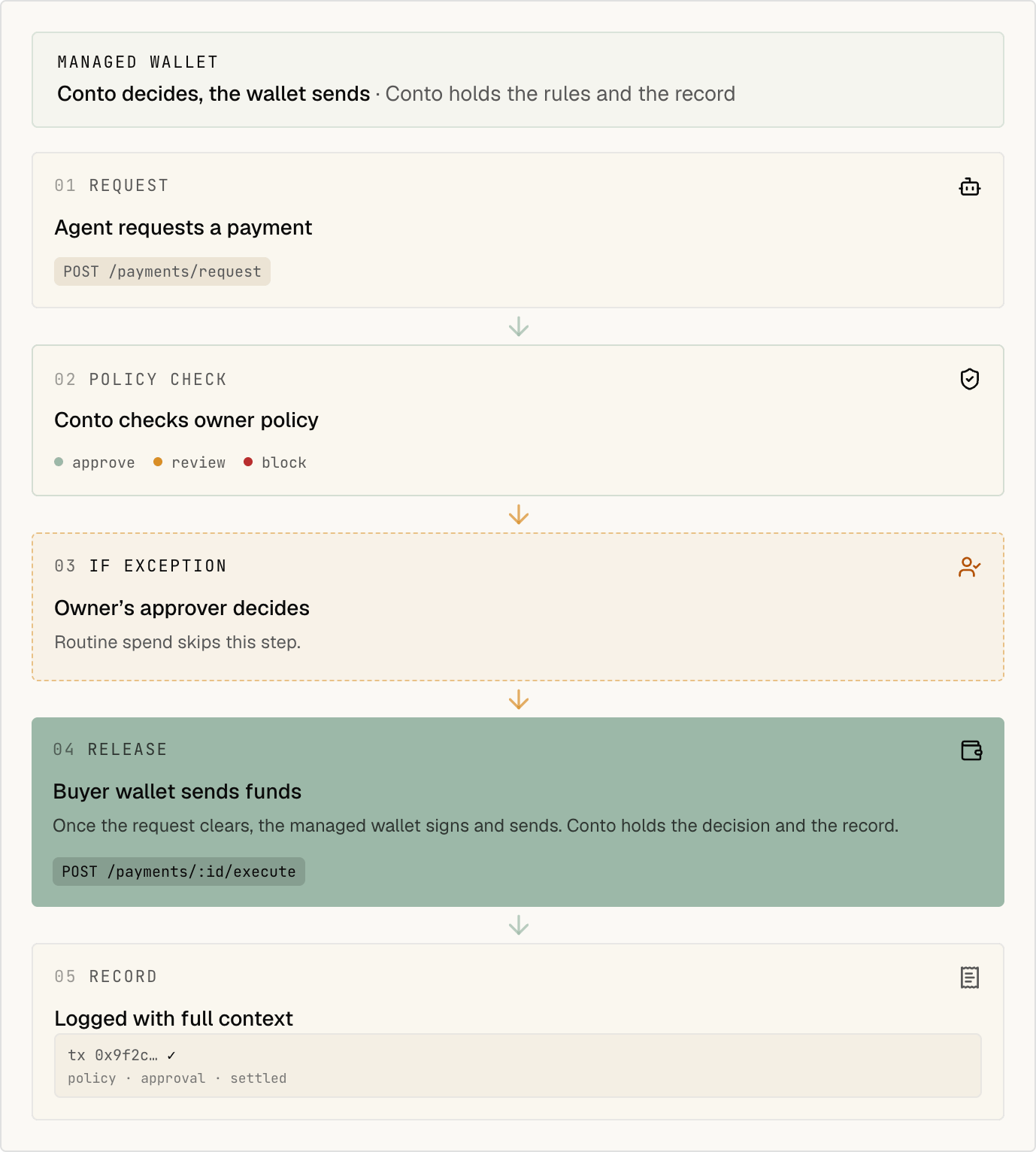
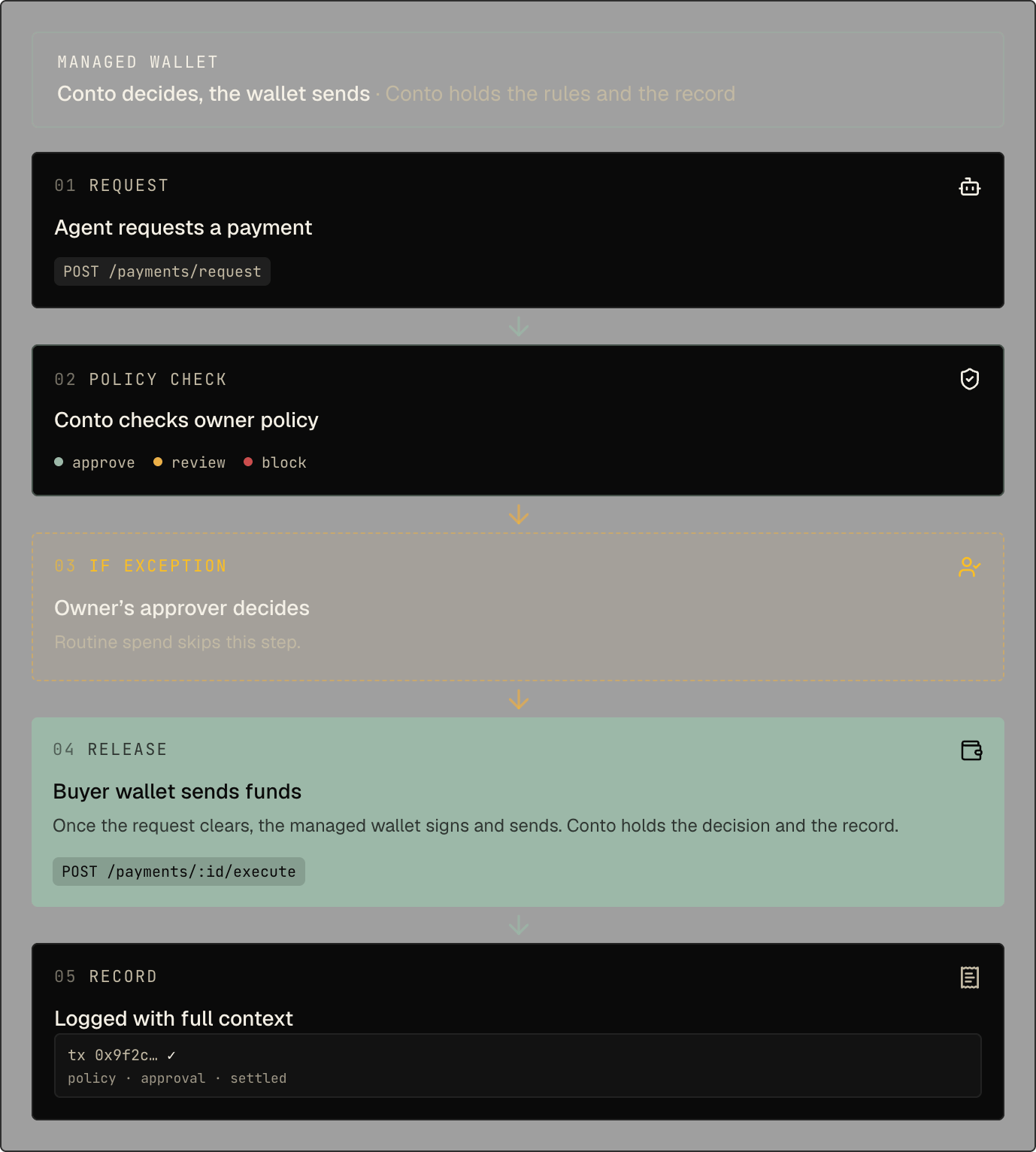
- Conto evaluates the payment.
- If approved, Conto orchestrates execution.
- If denied, the payment does not execute through Conto.
- The agent calls
POST /api/sdk/payments/request, thenPOST /api/sdk/payments/{id}/execute, or passesautoExecute: trueon the request.
POST /api/wallets with
custodyMode=MANAGED. Set controlModel to ORGANIZATION_CONTROLLED or CONTO_MANAGED. If you omit it, the wallet is organization-controlled when your organization has registered an owner key, and Conto-managed otherwise.
The selection is fixed for the new wallet. Changing the organization default never migrates an
existing wallet.
Managed control models
Organization-controlled (ORGANIZATION_CONTROLLED)
- Your organization’s owner key is the root owner. Only your organization holds it.
- Conto is a separate signer and signs only after your policies and approvals pass. On EVM, the wallet provider also limits what Conto’s signer can do.
- Your owner can manage the wallet and approve a key export.
- Conto cannot stop everything. The owner key can authorize actions outside Conto, and an exported key can sign outside Conto.
CONTO_MANAGED)
- A Conto authorization key is the root owner.
- Conto is the only signer and signs only after your policies and approvals pass.
- There is no self-service key export.
- There is no customer signing path outside Conto.
controlModel: "CONTO_MANAGED".
External (watch-only) wallets
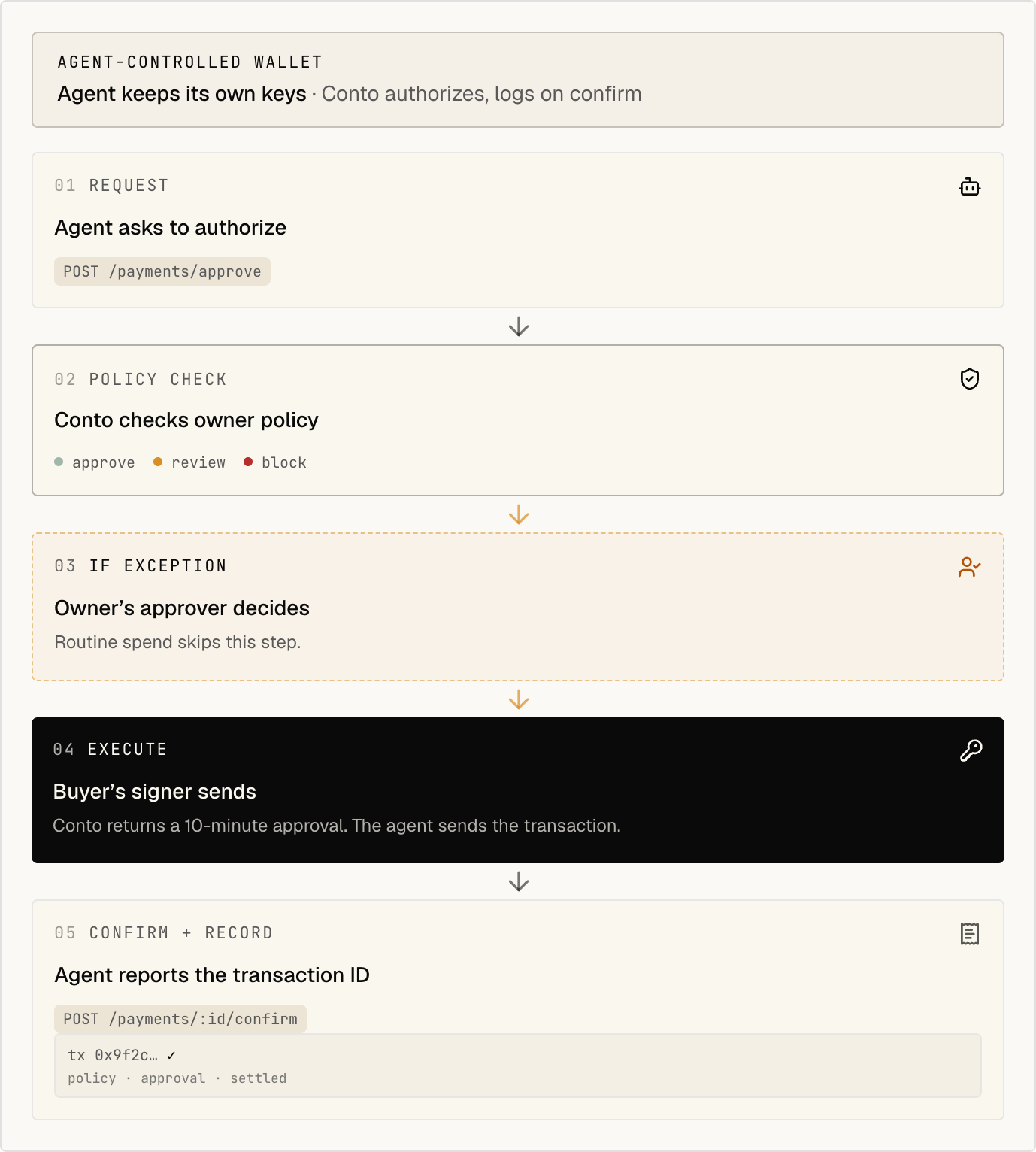
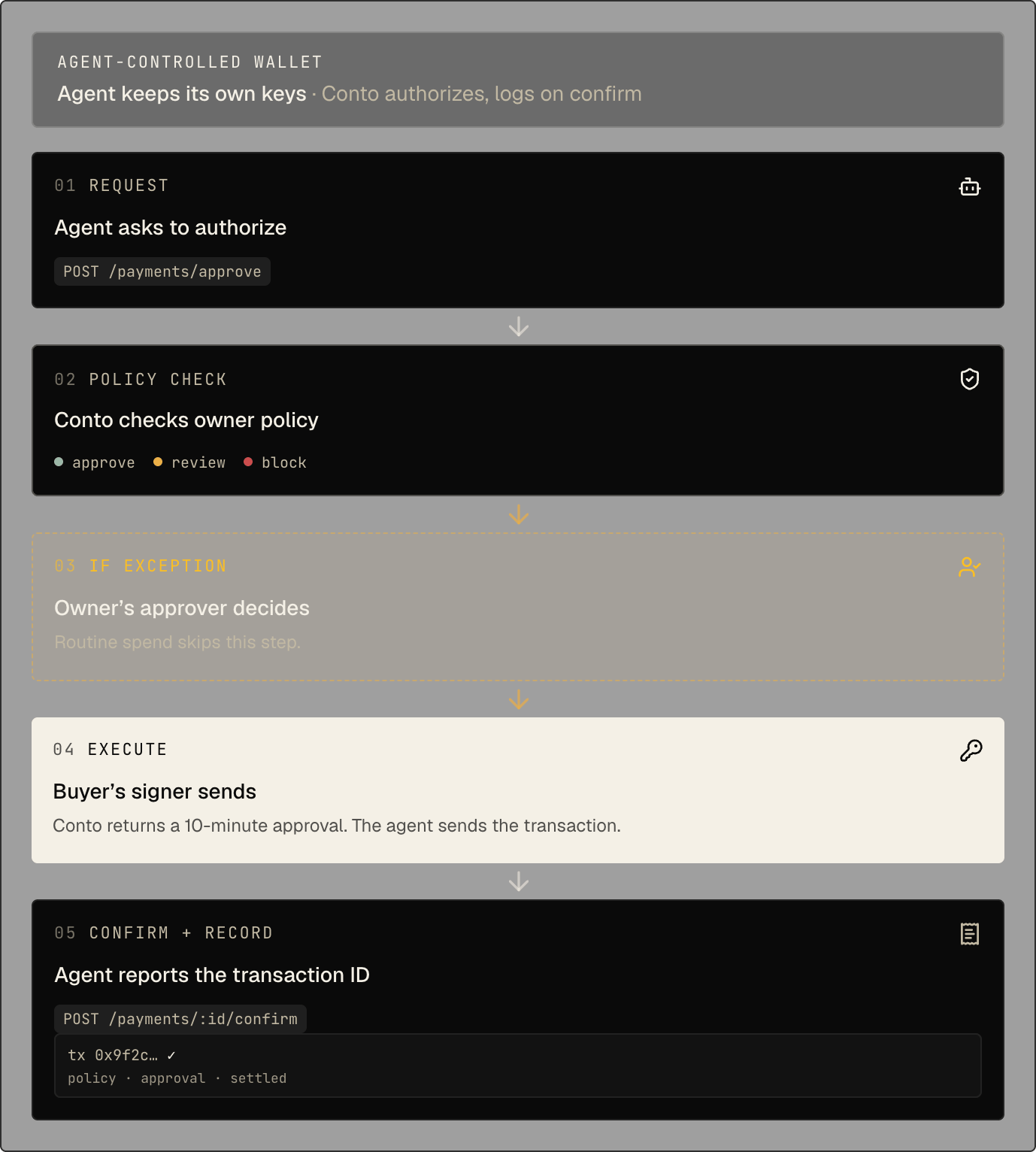
EXTERNAL mode. You keep the keys, and your
agent or wallet stack signs the transaction.
- Conto can still evaluate policies before the transfer.
- Conto can still require approval, record the payment, and keep the audit trail.
- The agent calls
POST /api/sdk/payments/approve, sends the transfer with its own signer or wallet, then callsPOST /api/sdk/payments/{id}/confirm. - Conto cannot cryptographically block a direct transfer signed outside Conto.
custodyMode=EXTERNAL plus address, or use
the watch-only import flow in the dashboard. Without a chain, the API records the address on its
default chain (Tempo Testnet). For a Solana address, also send chainType: "SOLANA" and chainId
(solana-mainnet or solana-devnet). The dashboard import detects a Solana address and asks for
the network.
How to choose
- Pick Organization-controlled managed if you need customer root administration or an export path while keeping Conto as the normal signer after Conto policies and approvals.
- Pick Conto-managed if you want Conto to remain the only product signing path and do not need customer self-service export.
- Pick External if you already have a wallet stack, MPC signer, or agent-held wallet and want to keep that setup.
Export a wallet key
An organization Owner can export the private key of an organization-controlled managed wallet. The export is owner-authorized and end-to-end encrypted. Conto relays the signed request and returns only HPKE ciphertext, and never receives the customer owner private key, the HPKE recipient private key, or the plaintext wallet key. This flow is not available forCONTO_MANAGED wallets.
Before you start
You need two customer-controlled P-256 keys with different purposes:- The owner authorization key registered in Settings → Wallet Control. Keep its private half in your KMS or offline signing environment.
- A new HPKE recipient key for this export. Keep its private half outside Conto. Conto receives only its base64 SPKI public key.
Export from the dashboard
- Sign in as the organization Owner.
- Open Wallets, open the organization-controlled wallet menu, and select Export encrypted key.
- Paste the HPKE recipient public key and choose Prepare owner authorization.
- Copy and base64-decode the authorization payload. Sign the decoded bytes outside Conto with the registered owner authorization private key using ECDSA P-256 with SHA-256 and DER encoding.
- Paste the base64 DER signature and download the encrypted export before the displayed expiry.
- Decrypt
ciphertextusingencapsulatedKey, the HPKE recipient private key, and this suite:DHKEM(P-256, HKDF-SHA256) / HKDF-SHA256 / ChaCha20-Poly1305.
sign.ts and run npx tsx sign.ts with both environment variables
set:
keyAccess
to EXPORTED and writes an audit event. If Conto cannot confirm the result, keyAccess shows
EXPORT_RECONCILIATION_REQUIRED, and the next export request checks the provider’s export record
before it continues.
Operational boundaries
- The authorization payload covers this wallet, this recipient key, and this request, and expires after 10 minutes.
- Only an authenticated organization Owner can prepare or submit an export.
- Conto’s additional-signer key cannot authorize export or administer the customer owner quorum.
- Conto can continue signing through its normal policy and approval path after export, but the exported key also permits signing outside Conto.
Related guides
Choose your integration
Compare SDK, OpenClaw, Hermes, x402, and MPP
Payments API
See the managed and external payment flows