Conto Pay
Agentic payments without building the payments stack
Conto Pay gives organizations a ready way to let agents move money safely. Instead of stitching together wallets, spend policies, recipient controls, approvals, sandbox funding, and execution tooling, teams can use Conto Pay as the payments layer for agentic workflows.
Stack
Wallets, policy, approvals, execution
Operations
Readiness, funding, payment state
Controls
Allowlists, limits, review workflows
Path
Sandbox-first, live-ready model
What we built
A ready-to-operate payment workspace
Conto Pay packages the infrastructure an agentic payment workflow needs into one product, so companies can test, govern, and operate payments from a single surface.
The payments stack, already assembled
Conto Pay combines the pieces an agentic payment flow needs, so teams do not have to source, wire, and maintain each component themselves.
Wallet and payment operations included
Wallet readiness, balance refresh, sandbox funding, payment drafts, and execution state live inside one operating flow.
Controls built into the product
Recipient allowlists, spend limits, approval thresholds, and payment inspection are built in instead of treated as separate tools to bolt on later.
Workflow
From setup to execution
Conto Pay follows the operating path companies need for agentic payments: readiness, draft, authorization, approval, and send.
Step 1
Start with Conto Pay
Conto creates or loads the payment agent, managed wallet, starter controls, approval workflow, and operating workspace for the organization.
Step 2
Stage and authorize
The operator adds a recipient, sets amount and purpose, then authorizes the draft against Conto Pay policy.
Step 3
Review and send
Approved payments can execute from the same workspace. Requests that need review can be approved, denied, retried, or cancelled.
Demo
Conto Pay reference workspace
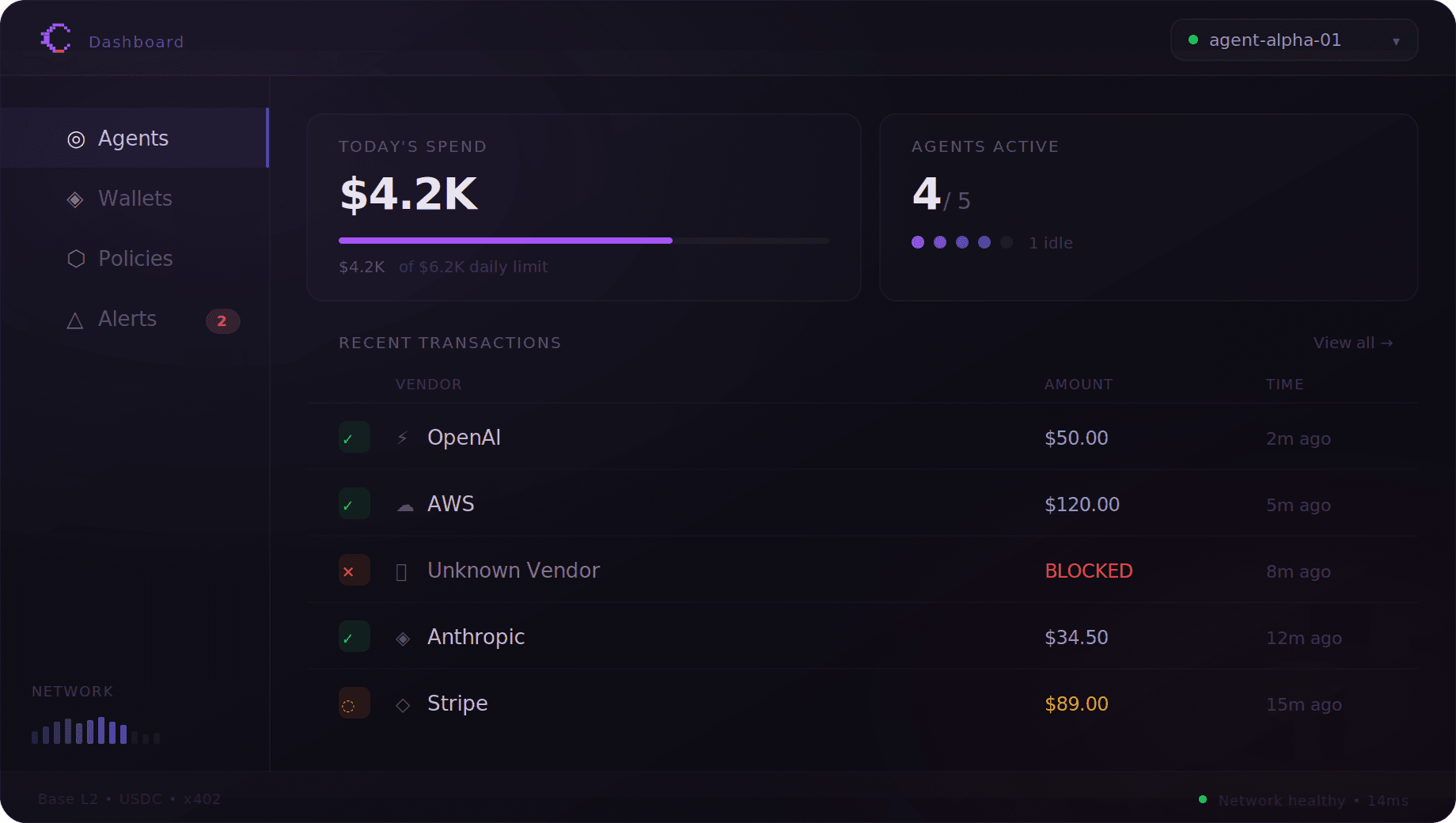
The Conto Pay console brings core payment operations into one workspace: wallet readiness, sandbox funding, payment drafting, authorization, approval status, and execution state.
Show me my Conto Pay workspace and payment draft.
Request Tempo testnet pathUSD for the Conto Pay wallet.
Authorize this Conto Pay payment.
Inspect my latest Conto Pay payment and tell me whether it is ready, waiting, or needs retry.
Controls
One payments layer, not a stack of integrations
Conto Pay is easier to adopt because the core pieces are already connected, but it still uses the normal Conto policy and approval model.
Recipient allowlists
Conto Pay sends only to approved recipients, including Conto Pay network recipients from another organization.
Approval workflow
Payments above threshold route to review before execution instead of bypassing the normal Conto approval path.
Wallet limits
Per-transaction and daily limits stay attached to the wallet and can be inspected or updated from the workspace.
Payment state
Operators can see whether a request is ready, waiting, blocked, failed, cancelled, or eligible for retry.